Sheet edge trims: understand the area available for parts
Treat each sheet format as its own configuration, with separate margins and unit price.
Start with the usable area
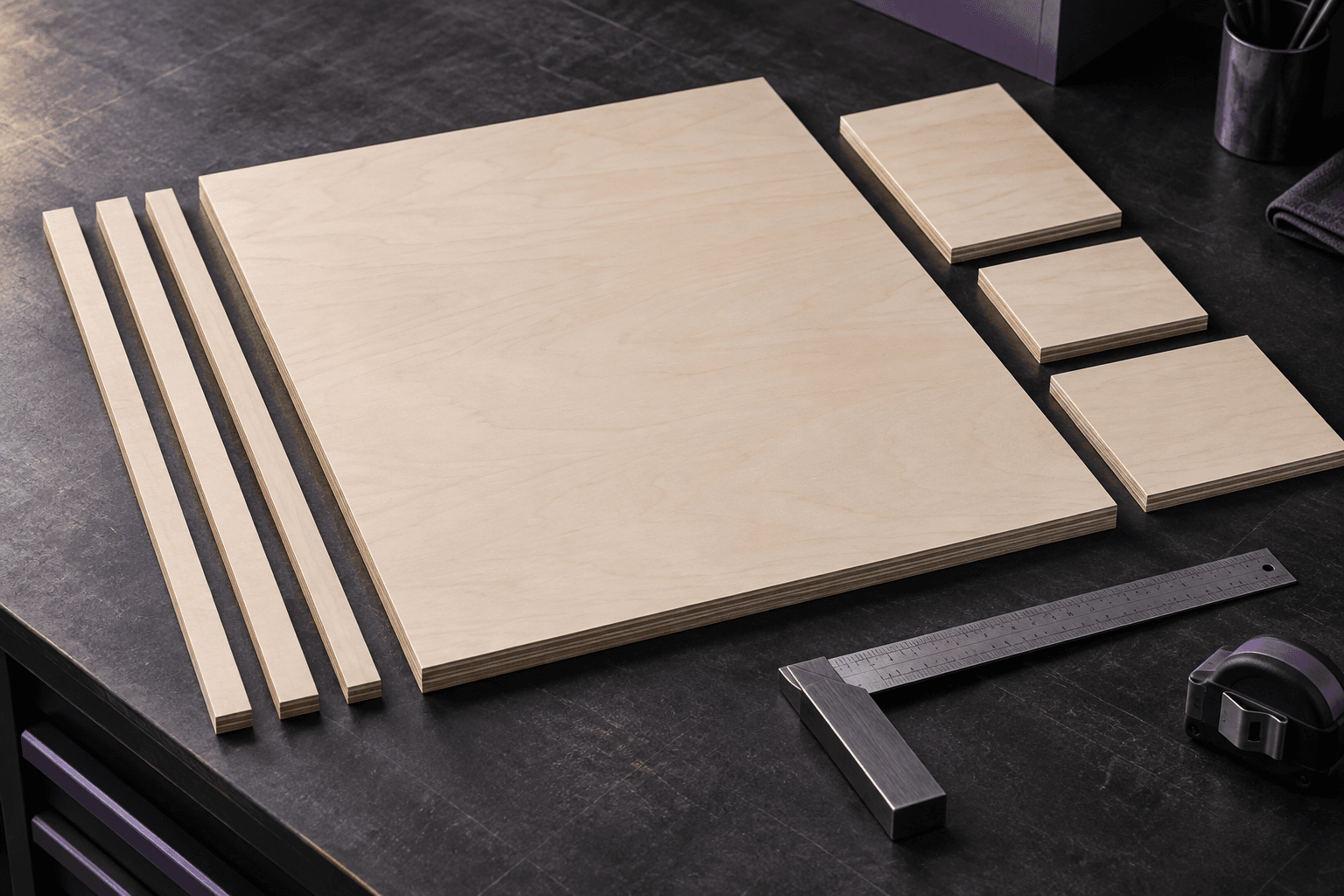
A 2750 × 1830 mm sheet with left, right, top and bottom trims of 10, 20, 15 and 15 mm has a usable area of 2720 × 1800 mm. This is a data-entry example, not a recommended trim setting. Choose values according to the material and your production process.
Separate new sheets from offcuts
Two formats of the same material may need different margins. Record dimensions, availability, price and four trims for each project sheet. In Otimiza, offcuts use their available area without applying these trims again. Check actual dimensions and existing quantities before including them in planning.
Keep process rules at project level
Minimum cut width and maximum cut length are shared production rules. They are not part margins. When a sheet changes, review its usable area and regenerate the plan. Compare unit sheet prices with cutting and finishing costs to understand the estimated total.
For your next review
- Physical dimensions
- four margins
- usable area
- availability
- unit sheet price
- production constraints.