
Truck loading plans begin with product data
Dimensions and weight come first; support, rotation and delivery sequence also need a review.
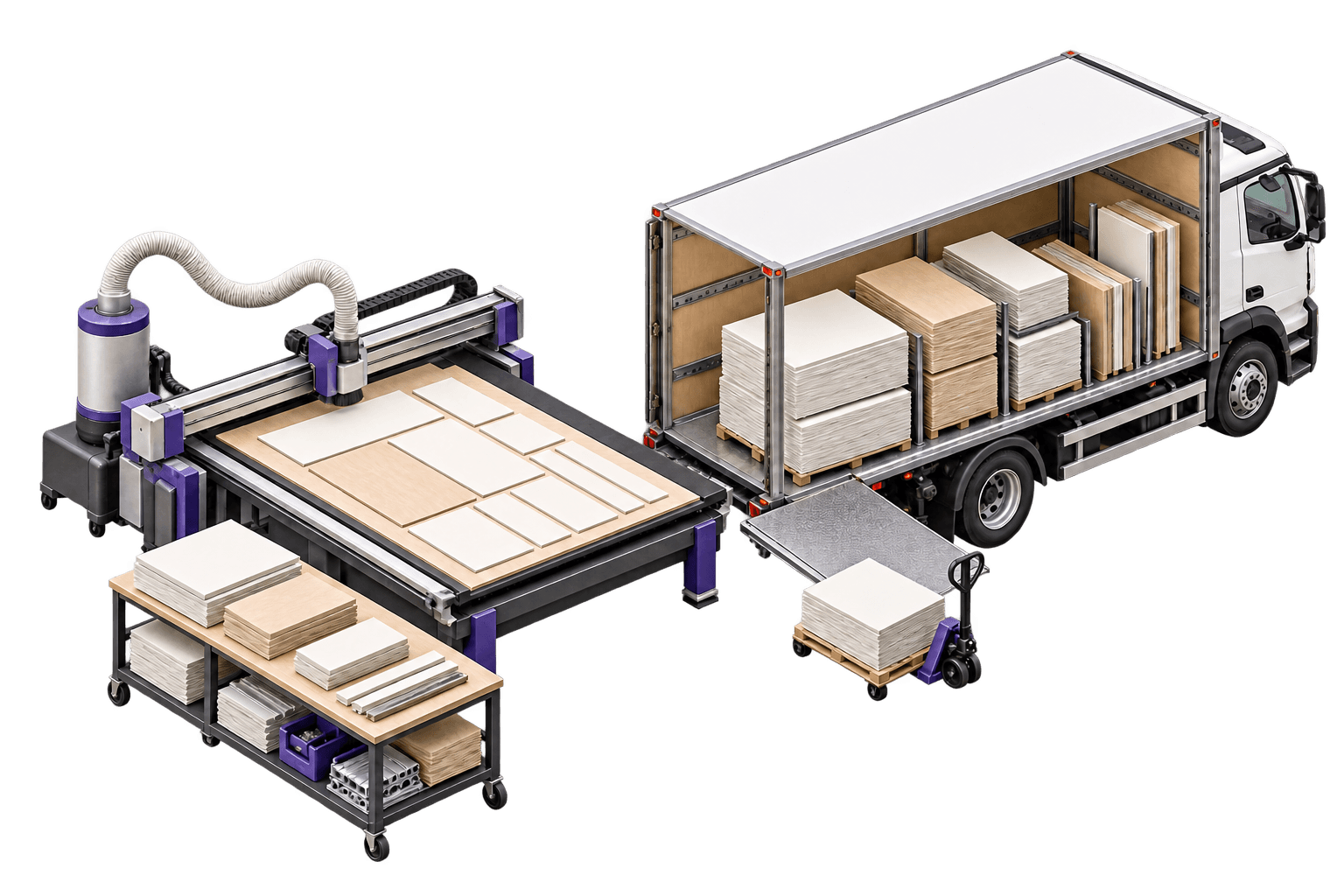
Record what will travel
Use the product’s external dimensions in its transport condition. Separate length, width, height, unit weight and quantity. If packaging changes its volume, confirm the record with operations. When using multiple trucks, review each vehicle’s dimensions and capacity and select the correct one before calculating.
Define support conditions
A box that fits on the floor may not support another box. Review stacking, maximum stack height, supported load above and whether it can rest on other products. Floor rotation swaps length and width; it does not mean laying a product on its side. Agree on these settings with the people responsible for packaging and handling.
Check the load against the operation
Associate products with orders and delivery sequence. Generate the plan and review the distribution with loading staff, including axle data when configured. Recalculate after changing products, vehicles or sequence. The plan drawing is a planning reference that must match the actual vehicle and goods.
For your next review
- External dimensions
- weight and quantities
- support conditions
- selected vehicle
- delivery sequence.